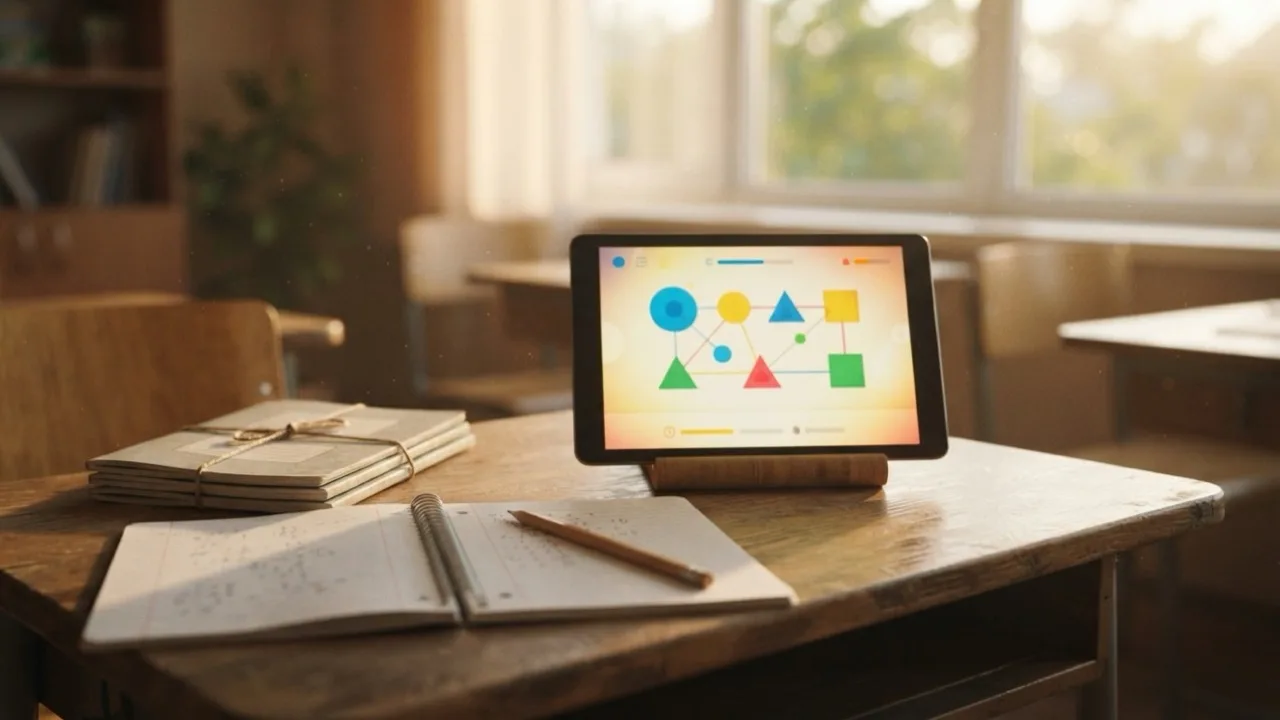
What i-Ready is, in plain terms
i-Ready is an online reading and mathematics program from Curriculum Associates, used by a large number of American schools, mostly from kindergarten through eighth grade. It has two halves that people mix up constantly. The first is the i-Ready Diagnostic, an adaptive test that changes difficulty after every answer, closer in spirit to the adaptive practice exams older students sit before a licensing test than to a weekly quiz. The second half is Personalized Instruction, the queue of lessons the software builds once the test is finished. Schools buy the licence, teachers assign the work, and students see a to-do list. That split matters, because a rough diagnostic day is not a failing grade. It simply rebuilds the lesson path.
How to log in to i-Ready
Most students never type a web address at all. They open the school portal, usually Clever or ClassLink, and click the i-Ready icon, which passes the sign in through automatically. Going direct means i-ready.com, selecting the state, then using the student login with the username and password the district issued. There is no public sign-up, and a family cannot create an account on its own. On tablets the work happens inside the i-Ready Connect app, and the most common failure after a system update is a stale app rather than a broken account, the same pattern people hit when a fresh iOS beta breaks apps that worked yesterday. If a code appears on screen, write it down exactly before rebooting, the way viewers note set top box error codes before calling support.
How long the Diagnostic takes
Plan on roughly 30 to 60 minutes per subject for most grade levels, often split across two or three sittings, and less for the youngest children. There is normally no timer, which is deliberate: the software wants settled effort, not a sprint, and it is not an endurance event measured in hours out on a course. Schools usually run it three times a year, in autumn, winter and spring.
Those windows slide whenever buildings close. Testing calendars wobble in districts watching a hurricane bearing down on the Gulf coast and refreshing the local forecasters everyone follows during storm season. The same thing happens with wildfire smoke shutting campuses or during a recovery effort after severe weather, so a delayed window is routine rather than a red flag.
What i-Ready scores actually mean
Two numbers carry the weight. The scale score is a three digit figure on one vertical scale that keeps climbing across grades, so it can be compared from year to year. The placement level turns that score into plain language, running from Mid or Above Grade Level down through One Grade Level Below and further. Reports also split each subject into domains, so a student can sit on grade level in phonics and below it in comprehension. Families sometimes treat the result like a record with an expiry date, much as they ask how many years a yellow fever vaccine keeps working, but a placement is a snapshot of one week. Growth between windows tells you far more than any single result, exactly as it does with a scored practice exam taken twice.
Minutes per week
The publisher recommends somewhere around 30 to 49 minutes of Personalized Instruction per subject per week, and most schools settle near 45. Lessons passed matter more than time on the clock. A pass rate around 70 percent or higher generally suggests the level is right, while a low one usually means the work is too hard or is being clicked through.
Is i-Ready free, and what does it cost
For students it is free at the point of use, because the district already paid. There is no consumer checkout page: Curriculum Associates sells to schools and districts by quote, priced per student per subject and bundled with training and support, so published figures vary widely and no single sticker price applies. Families who want the same account at home cannot buy a single seat. What they can use are the free family resources and the login the school already provides, which is worth knowing before paying for a lookalike tutoring product. That is the kind of practical detail we chase at toughestblogger, alongside other education explainers.
The games, and the hacks people keep searching
Learning Games unlock as a reward inside the program, which is why younger students describe i-Ready as a game with homework attached. They sit closer to a light puzzle title you finish in one sitting or a gentle browser garden builder than to a full release. The searches that follow are predictable: answer keys, scripts, ways to skip lessons. Hunting a stray answer is not the same as hunting a stubborn crossword clue, because teacher reports show time spent per question and flag rushing, and a diagnostic that looks gamed is usually just retaken. Tips circulate the way profile badges get traded on Discord, across large creator run servers and in the Reddit threads that form around anything popular. The payoff is a harder lesson queue, not an easier one.
What parents can do
Ask the teacher for the family report after each window, read the domain breakdown rather than the headline number, and keep home sessions to two short blocks a week. Access often stays open over the summer, and fifteen quiet minutes before an ordinary day out, even a trip to a roadside zoo, holds more ground than a marathon catch up in late August.
People also ask
How do I log in to i-Ready without a school portal?
Go to i-ready.com, choose your state, then use the student login with the username and password issued by the district. Accounts cannot be created by families, so a lost password has to be reset by the teacher or school technology office.
How long does the i-Ready Diagnostic take?
Usually about 30 to 60 minutes per subject for most grades, often spread over two or three sittings. There is generally no time limit, and younger students typically finish faster.
What is a good i-Ready score?
There is no universal pass mark. Look at the placement level (from Mid or Above Grade Level downward), the domain breakdown, and above all the growth between testing windows rather than one scale score.
Is i-Ready free for parents?
Students use it free because the school or district bought the licence. Curriculum Associates sells by quote to schools rather than to households, so individual families cannot buy a single seat, though free family resources are published.
How many minutes of i-Ready per week are recommended?
Roughly 30 to 49 minutes per subject per week is the usual guidance, with lesson pass rate treated as a better signal of progress than total minutes.
